
Raising a support ticket works the same way on all of the different support portals.
Make sure to go to the right support portal, according to the product you have a request for.
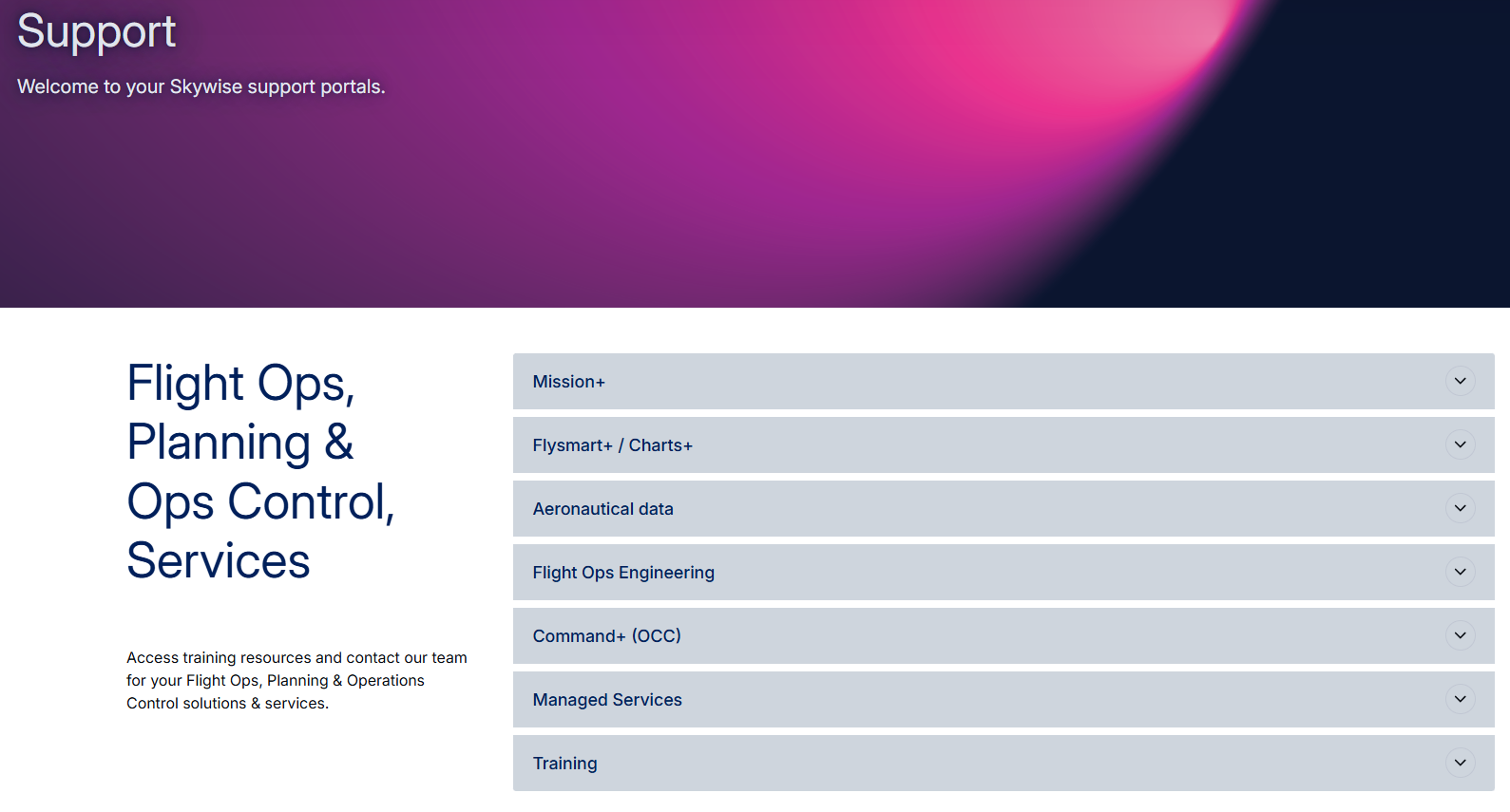
If you raise a ticket from the "wrong portal", your request will not be lost but redirected internally.
In order to submit a ticket, you'll need to log in to the support portal. You can either click on the Login button or directly click on Submit a ticket

If you don't have a login yet, just click on the Request access button, and we'll create one for you if you are a Skywise customer.
If you have an account, just log in.

When clicking on the Submit a ticket button once logged in, you'll have to provide the following information:

- Your Requester login is automatically filled in
- If your account is linked to several companies, you may select which Company your request is on behalf of
- You may choose to add someone in CC even if they don't have an account. Just type their email in.
- When filling up the subject line, try to be as meaningful as possible.
Once you click away from the subject, this will enable related article for you to view, which potentially saves you time in creating a ticket

Select your Type of request. You can find more info in article Ticket Types
In order to inform us of the impact your request has on your work, we need you to provide the Criticality according to the definition in Ticket Criticality
Try to describe your query in as much detail as you can, including screenshots, steps you may follow to have the result you are describing, and even logs.
Attach any file that may be helpful to us, such as videos, logs, etc. They cannot exceed 20MB.
You may now Submit your ticket to us.

To know how to check on your tickets once created, refer to Checking Ticket Status